Can You Change the Scale of a Mural Wallpaper Design?
A guide to pattern scale, visual distance, room proportions and why scaling a design is different from simply zooming an image.
Article focus: pricing and measurement
The cost and measurement decision
Start with accurate wall measurements; the final custom mural price depends on area, material and any finishing options.
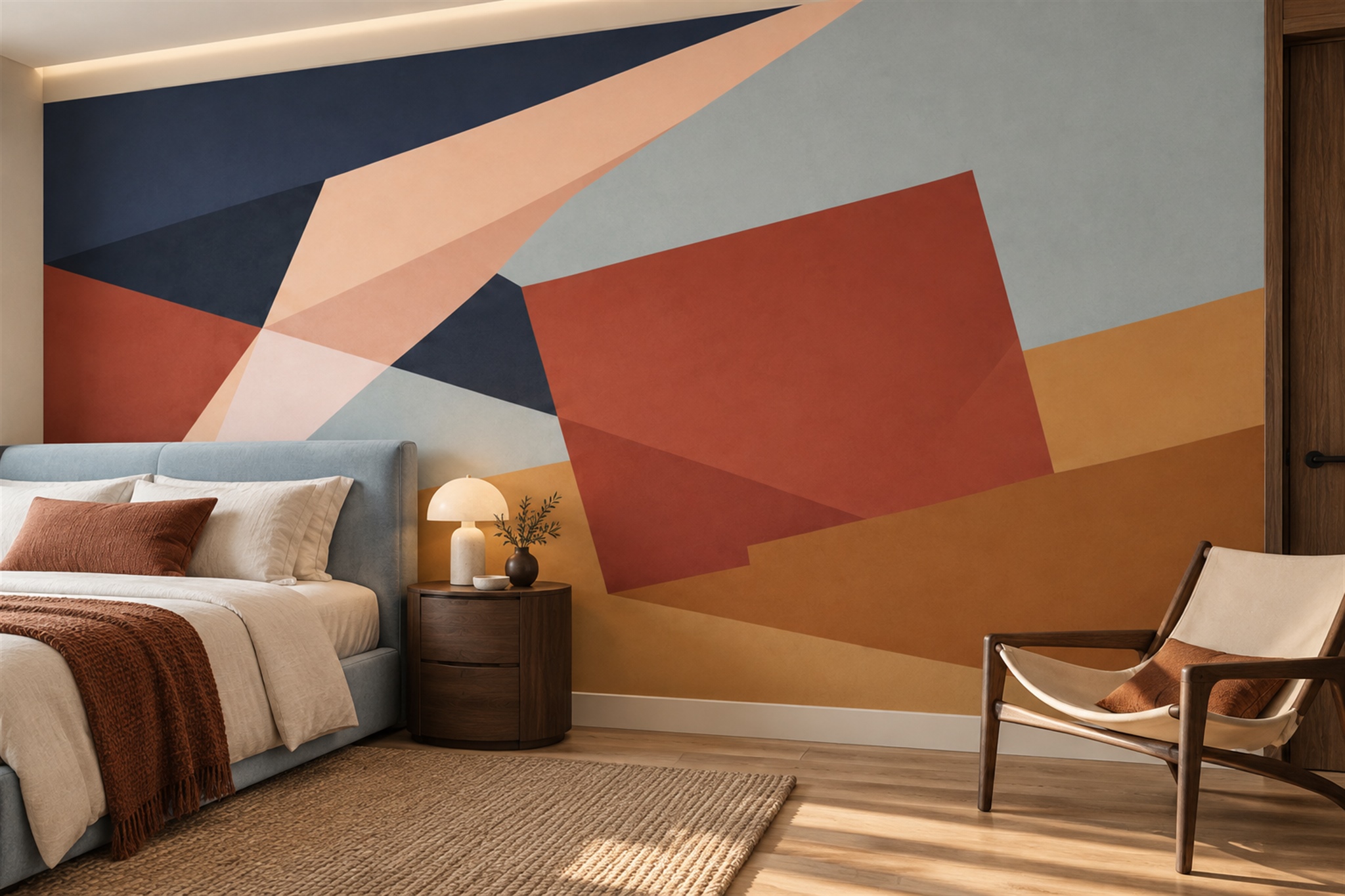
Example application: Any room with a suitable, prepared wall · pricing and measurement
Sometimes, but catalogue murals and customer-uploaded images have different controls. Solowalls' standard mural preview accepts dimensions and lets you position the existing artwork; it does not currently provide a general motif-scale slider or quality indicator. If you need the cobalt geometric shape larger on the same wall, ask whether an alternative artwork scale can be prepared. The separate custom-image upload tool offers zoom and a source-quality indication. Neither route can invent detail missing from the original image.
Scale is the size of the motif, not the size of the wall
The wall might be 300 cm wide in every version, while a flower within the artwork might measure 40 cm in one crop and 80 cm in another. That is a scale change. To fill the same wall, enlarging the flower also removes more of the original image from the edges. If the design is a repeating pattern, the number of repeats across the wall changes. If it is a landscape, the apparent distance between trees or mountains changes. The overall print dimensions can remain constant while the room feels completely different.
Distinguish scale from placement when judging the blue geometry shown below. “Make the cobalt block larger” requires a different artwork scale; “move it right” changes its position without enlarging it. “Show more of the surrounding linework” requires a wider view of the source, if one is available. These requests cannot be treated as interchangeable instructions to the standard crop control. Decide which outcome matters, then ask the supplier whether a revised artwork file can preserve the surrounding composition without distortion.
A furnished product image is a poor measuring instrument. Without knowing the example room’s wall width and viewing perspective, a motif can appear larger or smaller than it will in your home. Use your entered dimensions as a reference when reviewing the crop. If a block takes roughly one third of a 300 cm finished wall in the chosen preview, it will read at about a metre across; that is far more useful than calling it “large”. The estimate is for planning, not a substitute for a dimensioned production proof if exact motif placement matters.
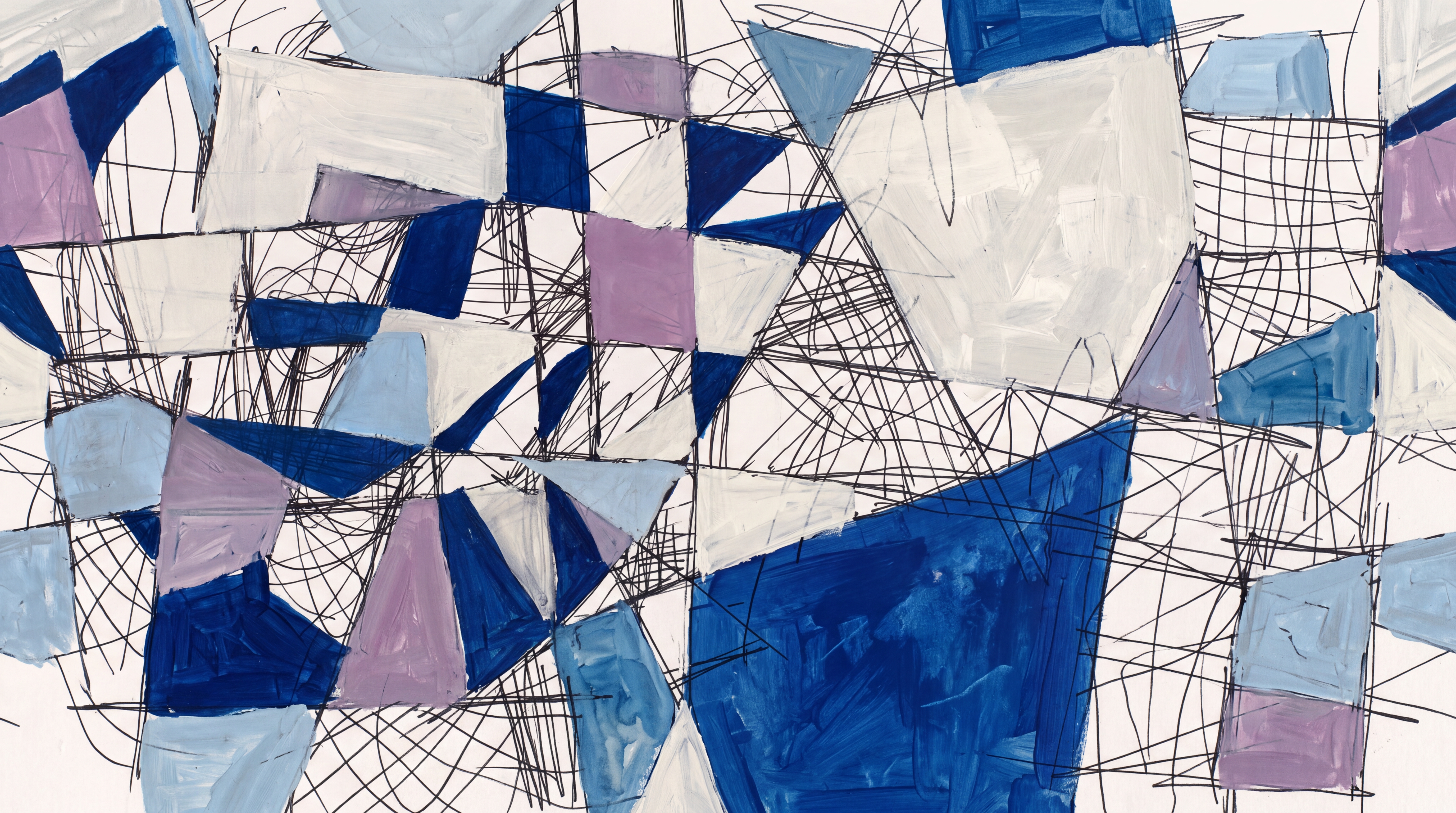
Identify which change the supplier would need to make
Before asking for a larger subject, save the current dimensioned preview and write down what you want to change. Is the motif too small, merely too far left, or surrounded by more background than you want? Moving the existing image within the wall crop addresses position, not enlargement. A true scale change requires an alternative rendering of the artwork or, for an uploaded image, a different zoomed crop. Ask which of those routes applies to this particular product before expecting the standard preview to produce both.
State the desired result with a reference dimension: for example, a cobalt block about 80 cm wide on the same 300 cm wall instead of about 40 cm. Identify the neighbouring lines that must remain visible after enlargement. A supplier can then check whether the source artwork contains enough surrounding area and detail. If an alternative is offered, request a proof at the unchanged wall dimensions so the new scale and the lost edges can be compared fairly.
Approval has two parts. First confirm that the motif is the size and position requested; then confirm that the source still looks suitable at print size. These are separate from deciding whether the larger motif suits the room. For that interior-design judgement—reference motifs, viewing distance and furniture proportion—see the guide to choosing mural scale. This article addresses what can be changed and what evidence to request before production.
Resolution sets a practical upper limit
Digital images contain a finite amount of detail. Increasing print size spreads that detail over a larger area. A file that looks crisp on a phone may look soft when a small part of it is enlarged to several metres. The source may be a photograph, digital illustration, scanned painting or vector artwork, and each behaves differently. Vector shapes can often scale cleanly, while a low-resolution photograph cannot gain missing detail just by increasing its pixel dimensions.
Do not assume the catalogue preview certifies print resolution; its current controls do not display a general quality warning. For a requested enlargement, ask the supplier to assess the source at the intended wall dimensions and viewing distance. If the image is your own, provide the original file rather than a messaging-app copy and use the custom-image tool's zoom only as a composition preview, not a quality guarantee. A 100% screen inspection can reveal compression blocks, fuzzy edges or noise, but cannot replace a print review. Adobe's printed-image resolution guidance explains why spreading fixed pixels across a larger area reduces detail per inch.
Not all softness is a defect. Watercolour washes and fresco-style artwork may be intentionally diffuse, while geometric lines should usually remain clean. Judge the result against the artwork’s intended style rather than applying one sharpness rule to every mural. A sample, when available, helps distinguish the printed texture from the digital preview.
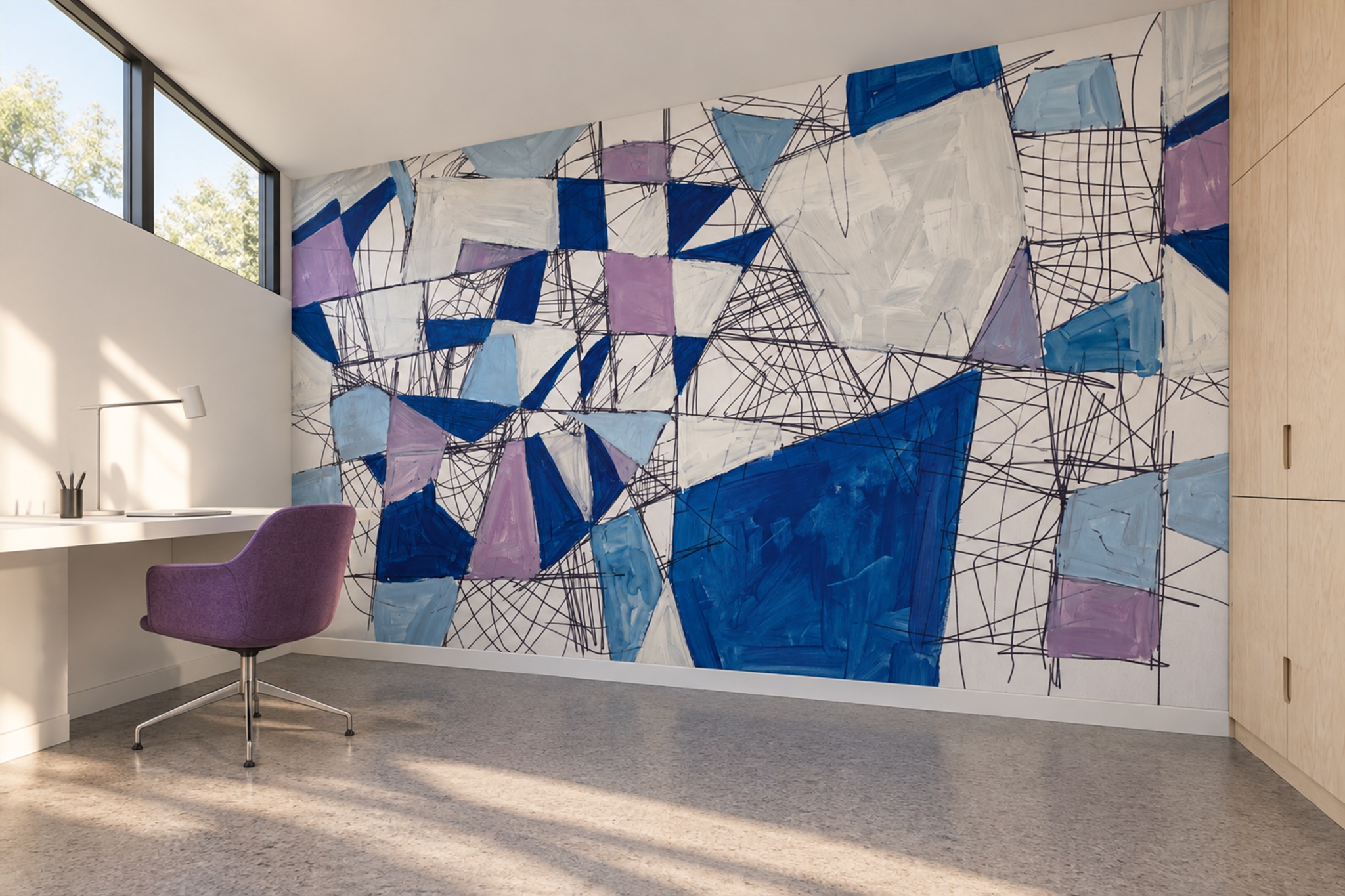
Use a side-by-side scale test
If the supplier offers alternative catalogue artwork scales, compare the versions at the same entered print dimensions. Keep the same furniture and opening outline over each so the larger motif is judged fairly against the smaller one. For your own uploaded image, compare screenshots from its separate zoom control while holding wall dimensions fixed. Note which version preserves the focal point and enough background near the edges; a different position alone is not evidence that motif scale changed.
A very large motif can place a face, circle or precise line across a panel join. That need not disqualify it, but it increases the importance of careful alignment. The standard crop preview may not show production panel boundaries, so ask whether a separate layout can identify them if the design is seam-sensitive. Confirm the entered print dimensions include the supplier's trim allowance; a motif near the outer edge may be partly removed during fitting.
For your own uploaded image, keep the original file and save a screenshot of the proposed zoom with its entered dimensions. Ask for a check of the enlarged subject at intended print size, especially if it contains lettering or precise geometry. If the source cannot support the change, choose a different crop or artwork rather than approving a blurred enlargement. Record the accepted scale and position as separate decisions; a later shift of the image should not silently change the size of its motif.