Can I See a Preview Before My Mural Wallpaper Is Printed?
A practical explanation of room previews, crop approval, colour expectations and the checks to make before custom mural wallpaper enters production.
Article focus: pricing and measurement
The cost and measurement decision
Start with accurate wall measurements; the final custom mural price depends on area, material and any finishing options.
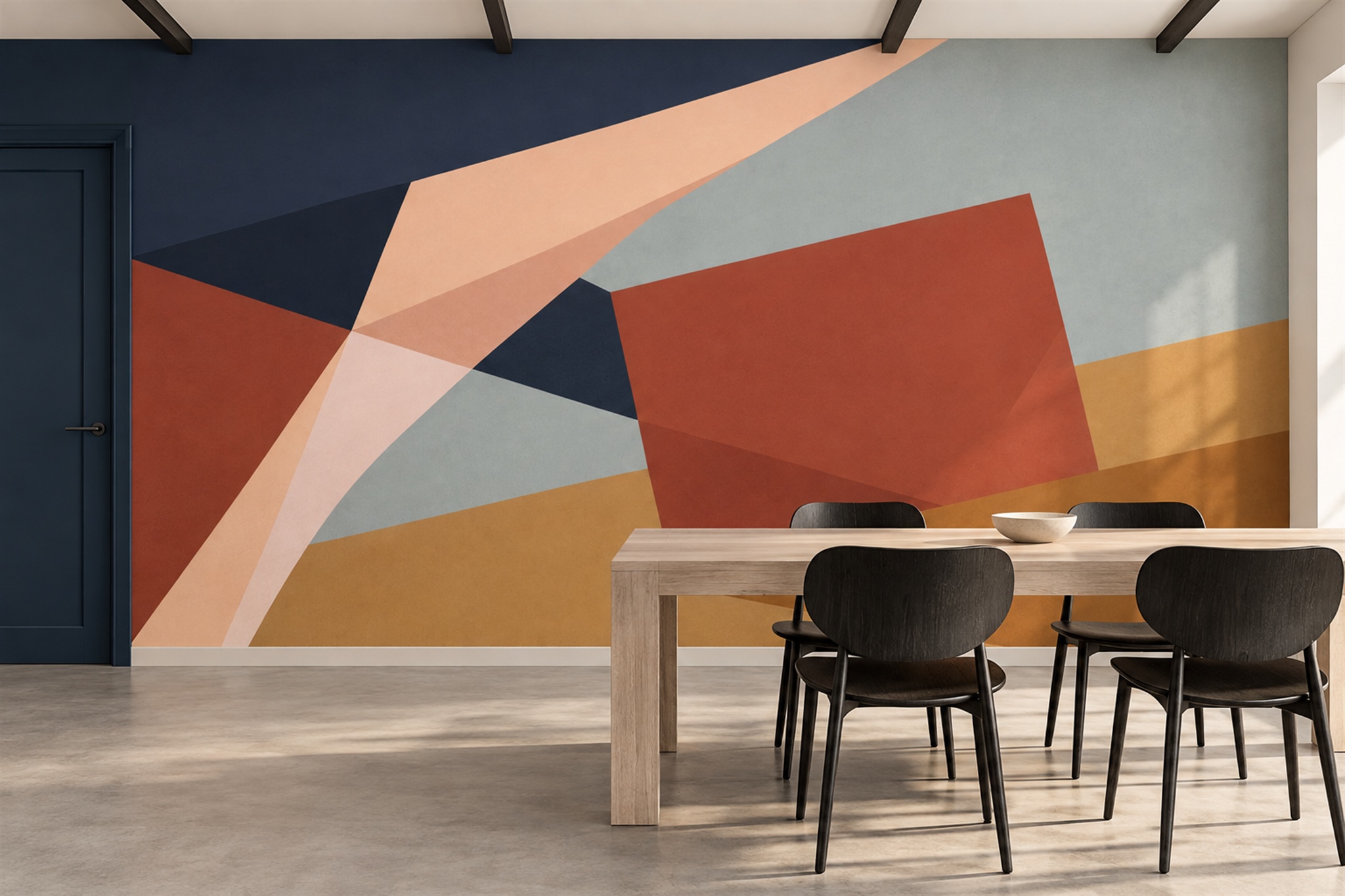
Example application: Bedroom · pricing and measurement
Yes: Solowalls' standard mural tool lets you enter dimensions and use Customize & Buy to preview the crop before ordering. It shows which part of the artwork fits the entered rectangle, but it does not necessarily show the production panel joins or provide a colour-accurate representation of the chosen material. Save the crop and dimensions you selected. If you need a separately prepared proof before printing, ask whether that service is available for this product and when approval would occur.
Three kinds of preview, and what each can tell you
A product photograph shows one possible furnished setting, probably with different wall dimensions, furniture and lighting from yours. A website crop tool is more personal: it frames the artwork at the dimensions you enter and can reveal a subject cut off at the edge. A separate production proof, if offered, is prepared for the order and may include a final layout or panel information; its exact contents vary. Ask what the seller will actually supply rather than treating these three images as equivalent approval stages.
The distinction matters most for non-repeating artwork. A tree can appear centred in a catalogue photograph but move towards a corner when the composition is adapted to a much wider wall. A face, horizon or architectural line may land behind a headboard or cross a door opening. Those are layout decisions that a material sample cannot answer. Conversely, a full-wall digital proof does not tell you exactly how the substrate feels or how the ink looks under your room lighting.
For the on-page preview, enter both width and height with the same units used to measure the wall. The product page asks you to add approximately 4 inches (10 cm) to each dimension for installation trim; keep that print allowance distinct from the visible finished wall when judging the composition. If you need a supplier-prepared proof showing exact panel divisions or a changed crop, request it explicitly rather than assuming the interactive preview includes that service.

Prepare the information that makes a proof useful
Measure the full width and height of the area to be covered, using the largest measurement where a wall varies. Record the units clearly. Note windows, doors, slopes, radiators and other interruptions, and mark the approximate position of furniture that will remain in front of the mural. A straight-on photograph of the wall helps explain the room better than measurements alone. For a custom image, send the original high-resolution file rather than a screenshot from social media; compression that looks harmless on a phone can become obvious at wall scale.
Specify the viewing position that matters. For a bedroom, you may want the strongest part of a landscape visible above the headboard. In a dining room, consider the view from the entrance as well as from the table. The rectangular online crop will not automatically show the window, so overlay its position on your own screenshot. If the missing area threatens the subject, ask whether the supplier can review a marked wall elevation before you order.
Make the requested print dimensions and the visible finished dimensions separate on your notes. The print may include trimming allowance; the finished wall is what the viewer will see. Confirm whether the preview shows the extra margin and whether the central image is protected from trimming. A small difference at the top can matter if a face or a branch sits close to the ceiling. Record the wall measurements before choosing the final crop.
How to inspect the crop instead of simply approving the picture
Begin at the edges. Check that no essential subject has disappeared off the left or right side and that the top and bottom leave enough flexibility for installation. Then inspect the main focal point. Is it at a comfortable height? Will a bed, sofa or cabinet cover it? If the design contains a horizon, does it sit level and in a place that feels intentional from normal viewing distance? A crop can be mathematically correct and still look awkward once furniture is added.
Next, consider scale. Oversized flowers may be the point of a dramatic mural, but a bloom as tall as a doorway creates a very different effect from the same motif at half that size. A delicate toile or engraved landscape may lose its character if enlarged beyond the detail available in the source file. Request a close-up view of a representative section if you need to judge print detail. This is especially important for personal photographs, where a sharp-looking thumbnail says little about wall-size resolution.
Finally, separate the composition you can see from panel details you may not have. An online crop can show the main image, but not necessarily where production seams will fall. If a face, fine line or architectural feature would be sensitive to a join, ask whether a panel diagram or alternative layout can be provided. Keep the saved crop version and dimensions with the order; if a separate proof is supplied, approve that specific version rather than an earlier informal screenshot.
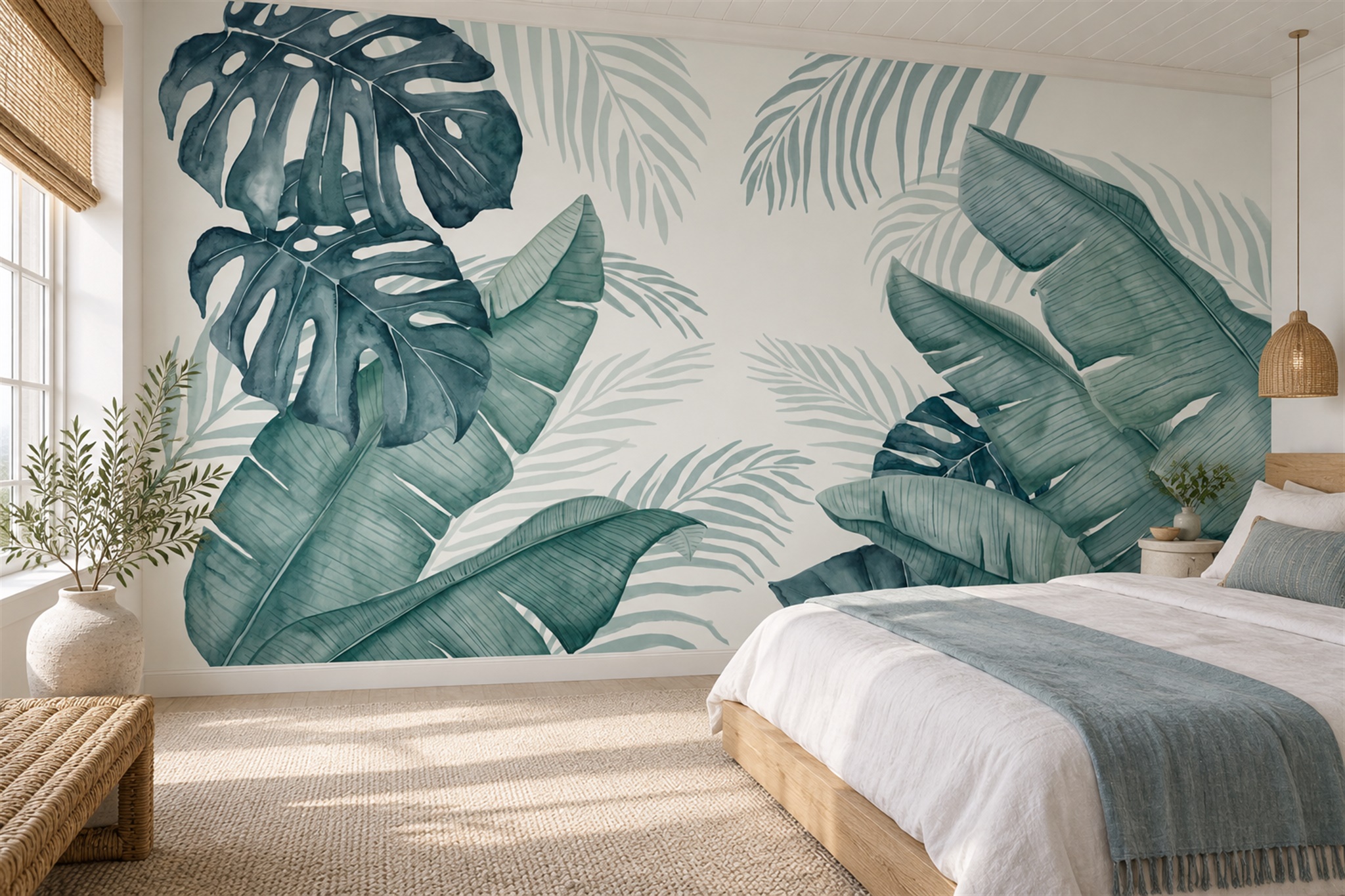
Colour, texture and screen limitations
A digital preview is useful for composition, but it is not a physical colour standard. Phones and monitors display light, while wallpaper reflects light. Screen brightness, colour settings, substrate texture and room lighting can all change the impression. If a particular shade must coordinate with curtains or paint, ask whether a physical sample is available and view it in the intended room during daytime and evening light. Even then, ask whether the sample represents the exact artwork or only the material and general print finish.
Do not infer a finish from the mock-up. A styled image may make a surface look glossier, more textured or more seamless than the supplied material. Confirm the chosen material independently of the artwork approval. A preview can show where the design goes; the material specification and sample explain what will arrive. If the supplier cannot provide a colour-critical guarantee, make that uncertainty part of your decision rather than assuming the proof settles it.
What to ask before the file enters production
Ask whether the order involves only the crop you select online or also a separately prepared proof. If there is a proof stage, confirm when it arrives, whether printing waits for explicit approval, how revisions are handled and what happens if you do not reply. Policies vary by product and service. Keep the selected crop, dimensions and material choice together; add any later proof and written approval to the same record.
If you spot a problem, describe the change in measurable terms: “move the tree approximately 20 cm to the right within the visible wall” is more actionable than “make it feel more balanced”. Refer to one proof version and collect all comments in one message. Request an updated proof after substantial changes; do not assume the first approval still represents the final file. Keep the revised proof alongside the final approval.
Make the next step depend on what is still uncertain. If the entered dimensions and saved crop keep every important subject clear of furniture and trim, and the chosen material is already understood, the online preview may answer the layout question. If a doorway 40 cm from the left edge could remove the main subject, send a measured elevation and ask whether someone can review that specific crop. If a face or straight line must avoid a panel join, ask whether a separate panel layout is available before paying. Do not treat a request for a proof as an approval stage until the seller confirms that printing will wait for it.